#1 · Best overall
Design.com
Design.com's AI logo generator works from a single prompt box. Instead of a long questionnaire, you describe the business in a sentence and it does the rest: it picks out the business name and keywords, generates a set of original AI logos, and lines up hundreds of matching designer templates underneath.
My test · Tidewater Kayak Tours (fictional) Prompt: "Logo for Tidewater Kayak Tours, a sunrise kayak tour company on the coast, with a paddle and a wave."
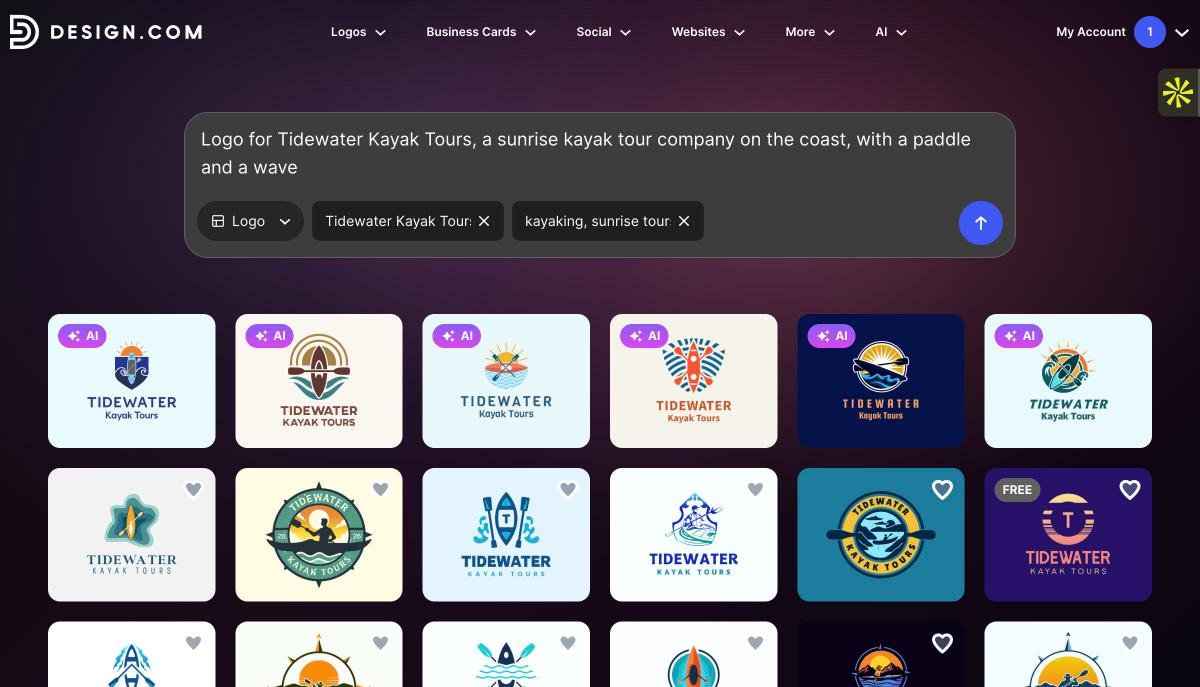
The AI logos were noticeably more specific to the brief than the templates. Every one of them picked up the sunrise, the water and the paddle, in a sensible spread of styles from a navy badge to a playful orange crest.
Then I tested the feature that sets Design.com apart. Opening any logo drops you into an editor with an AI chat panel on the right, so instead of hunting for color pickers, you just type what you want.
The chat edit "Change the orange to a warm sunrise yellow and make the text deep navy."
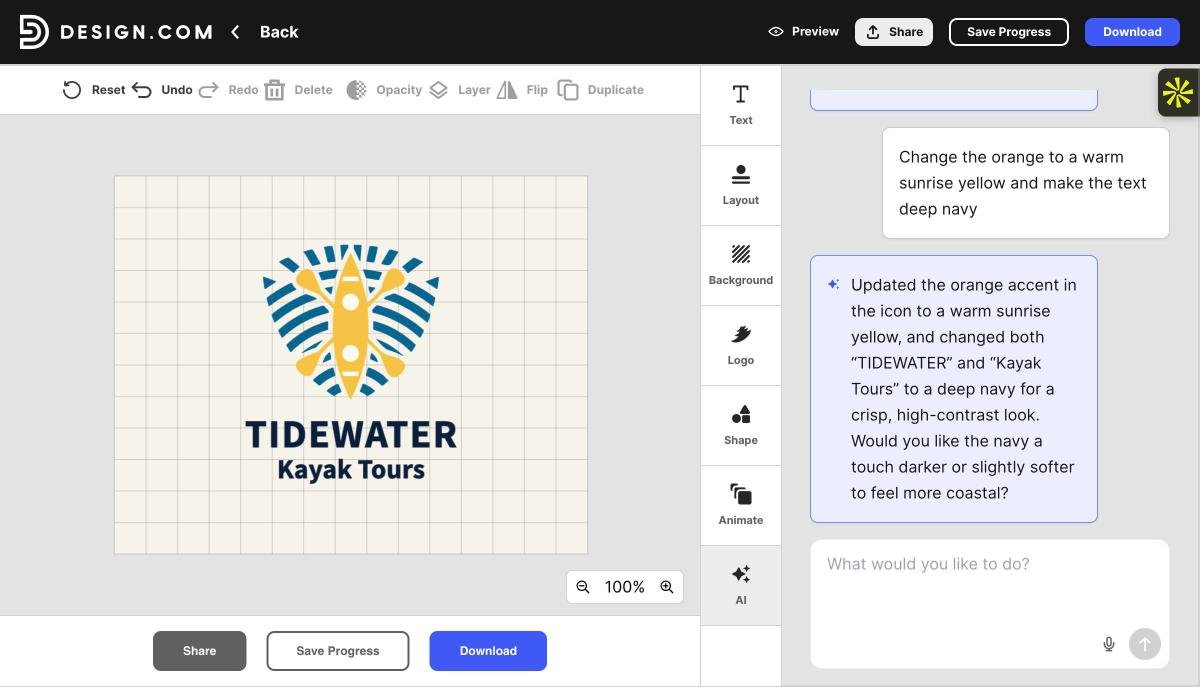
That precision is the point. It changed only what I asked for, which is exactly where most AI image tools fall down. If you would rather work by hand, the same editor has 750+ fonts, 62,000+ vector shapes, layout presets and an Animate panel for turning the logo into a GIF or MP4.
Once the logo is done, Design.com carries its colors into business cards, social posts, email signatures and a website, and it can register a domain and print the logo on cards, mugs or t-shirts with free delivery.
The good
- Free logos with commercial rights and EPS files
- Original AI logos and 500,000+ templates in one search
- Chat edits that change only what you ask for
- Vector, raster and animated files on paid plans
- Extended license for exclusive ownership
The not-so-good
- Free plan includes 5 AI generations or edits
- Best prices need annual billing (about $9/mo monthly)
Design.com also offers free logos that come with commercial rights and an EPS vector file, which is rare among logo makers. Paid plans add full ownership of your logo with every vector format, and every design is checked for originality and commercial safety. Design.com's AI is custom trained on copyright-safe material, and an extended license can remove a logo template from the library if you want it to be yours alone.
The most complete AI logo generator I tested, and the only one where editing felt as easy as describing the change.
#2 · Best template library
BrandCrowd
BrandCrowd wins on scale. Its library holds more than 380,000 logo templates created by professional designers and exclusive to the platform, and its AI logo generator helps you find and adapt the right one quickly.
My test · Northpeak Physio (fictional) Business name: Northpeak Physio · Keywords: physiotherapy, mountain, wellness
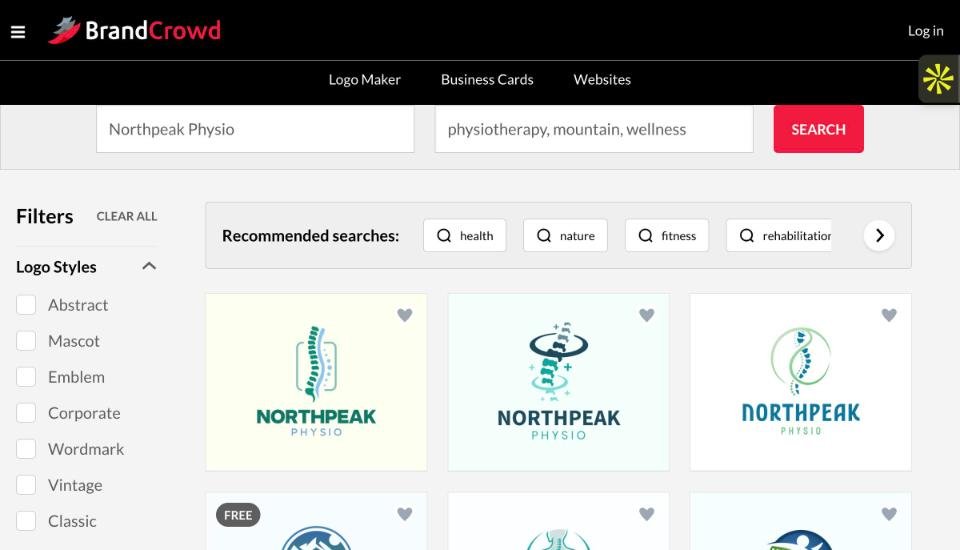
For a healthcare business, that is exactly the look you want: trustworthy, simple and instantly readable. The style filters are genuinely useful too. One click on "Wordmark" or "Emblem" reshapes the whole page of results.
Once you pick a design, BrandCrowd lets you change the icon or text through an AI chat, backed by 750+ fonts and over 62,000 vector shapes. Its 50+ design tools then roll the logo out into business cards, social posts, flyers and a website, all inheriting your logo colors. You can also share a voting poll so your team can weigh in before you commit.
Like Design.com, BrandCrowd offers free logos that include commercial rights and an EPS vector file, so a new business can start with a print-ready logo without paying anything up front.
The good
- Huge, professionally designed template library
- Fast style filters and smart search suggestions
- Free logos with commercial rights and EPS files
- Extended license for exclusivity
The not-so-good
- Results lean on templates, so expect familiar layouts
- Free logos are available, but advanced design tools require a paid subscription
The safest choice when you want a professional, industry-appropriate logo fast, rather than something experimental.

#3 · Best one-time price
Brandmark
If subscriptions put you off, Brandmark takes the opposite approach: generate as many logos as you like for free, without even creating an account, then pay once for the one you want.
The flow is a short wizard. You enter a brand name and optional slogan, add a few keywords, pick a color style such as Vibrant, Organic or Soft Pastel, and Brandmark generates a scrolling feed of concepts.
My test · Lumen Labs (fictional) Keywords: light, data, lab · Color style: Vibrant
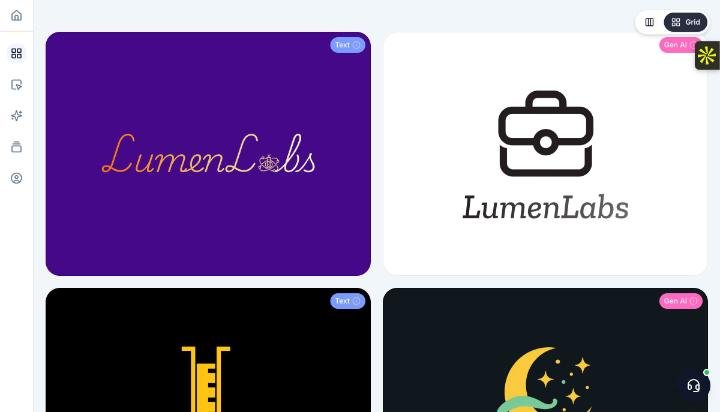
The variety is Brandmark's strength. In a couple of minutes I had wordmarks, icon-led logos and some genuinely unexpected directions. The tradeoff is that keywords are interpreted loosely, so not every concept connects to the brief. A briefcase icon and a moon both showed up for a data lab.
The good
- Unlimited free generation, no account needed
- One-time pricing with full copyright
- Free tweaks from the Brandmark team, even after purchase
The not-so-good
- No free downloads: even a basic PNG costs $35
- Some concepts drift away from the keywords
- No AI chat editing and no exclusive license option
- Basic plan skips source files and brand guidelines
- Font downloads only on the $195 Enterprise plan
The bigger limitation is that nothing is free to keep. You can generate as much as you like, but every download starts at $35, and unlike Design.com and BrandCrowd there is no free logo with commercial rights. The $95 Designer package is the sweet spot if you do buy. It adds logo source files, unlimited revisions, brand guidelines, business card, social media and presentation designs, and a one-page website. Enterprise adds up to 10 hand-crafted original concepts and font downloads.
A creative sandbox and good value if you hate subscriptions, but you pay before you download anything, and editing is far more manual than Design.com or BrandCrowd.
#4 · Best for a quick placeholder
Canva
Canva is not a dedicated logo generator, but its logo template library is enormous and free to browse, and many people will already have an account.
My test · Wildflower Yoga (fictional) Template search: "yoga studio logo"
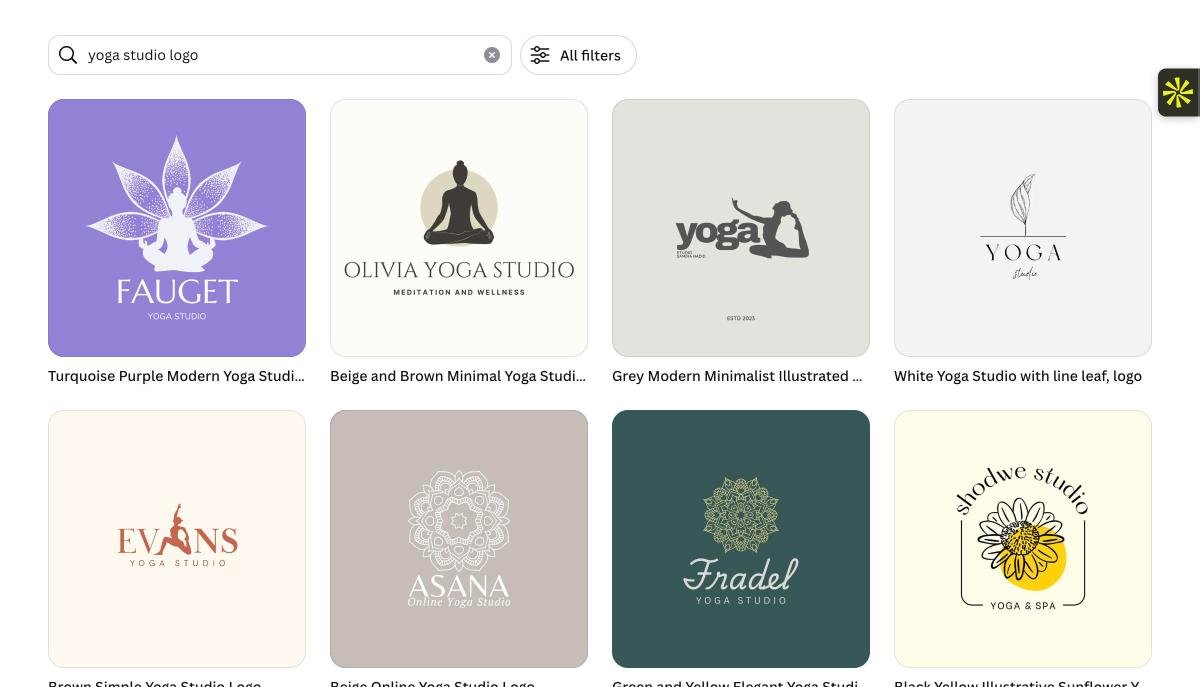
The editor is as easy as it gets, but the logos themselves are generic. Look closely at the results and the same ideas repeat: a meditating silhouette, a lotus, a leaf, a mandala, each paired with a stock font. Nothing was built for Wildflower Yoga specifically, and the same templates are used by many other studios, and Canva's license does not let you register a design built from its library elements as a trademark. Canva's AI tools can generate original artwork, but they need an account and draw on a limited free allowance.
The good
- Thousands of free logo templates to browse
- Easiest editor on this list
- Logo flows straight into posts and presentations
The not-so-good
- Generic, widely reused designs that are hard to make distinctive
- Library-based designs cannot be trademarked
- SVG and transparent backgrounds need Pro
Fine for a quick placeholder, but the logos are generic, so it is not where I would build a brand I planned to protect.
#5 · Best for early concepts
ChatGPT
ChatGPT is not a logo maker, but its image generator has become good enough that many founders now use it to sketch out directions. You describe the logo in plain language and refine it by chatting.
My test · Copper Kettle Coffee Roasters (fictional) Prompt: "A set of four logo concepts on a white background for Copper Kettle Coffee Roasters, a small-batch coffee roaster. Vintage, warm style, copper and cream colors, a copper kettle with steam shaped like a coffee bean. Show the brand name in each concept."
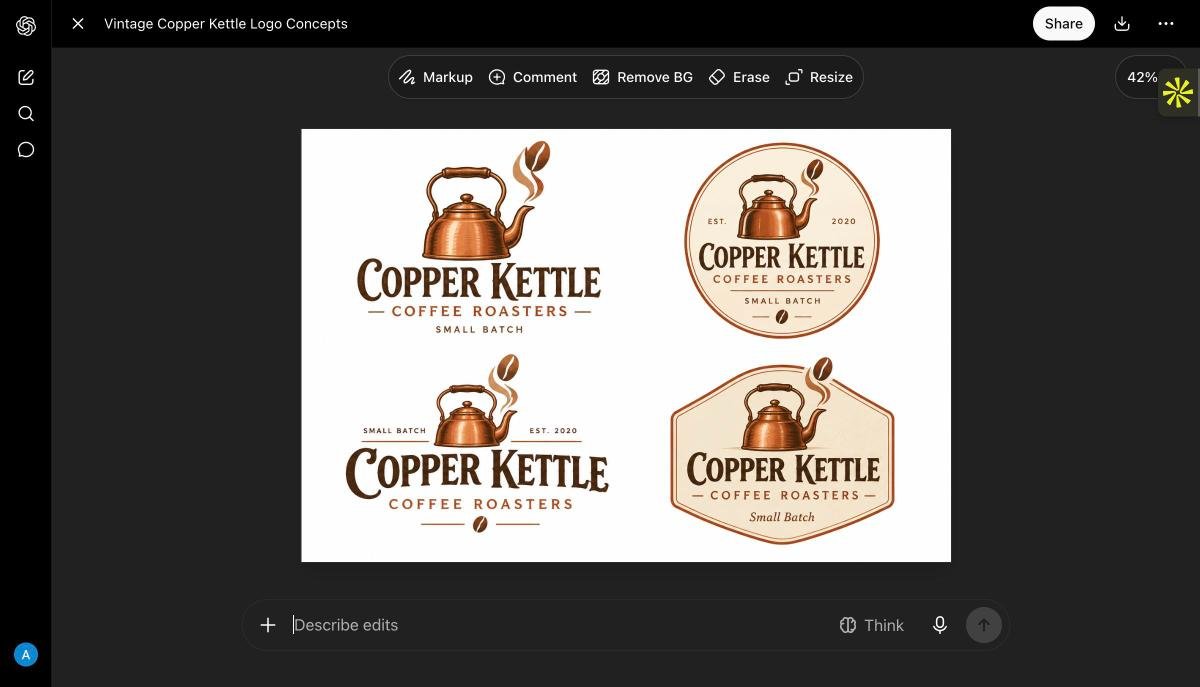
The illustration quality is impressive, and it followed the brief closely. As a mood board or a direction to hand a designer, it is excellent. As a finished logo, it has real limits.
The good
- Rich, detailed concepts from one prompt
- Edit by describing changes, plus Remove BG and Erase
- You own the output, even on the free plan
The not-so-good
- PNG only, so it needs tracing into vector for print
- Detailed illustrations rarely work at favicon size
- No matching business cards, social kit or website
A brilliant brainstorming partner, but you will want a dedicated logo tool to turn the idea into usable brand files.